iPhone and Android
Subscriptions stop creeping up on you.
Streaming, the gym, the app you forgot about: mark a charge as recurring once, and one tap shows every subscription and what is due next, with no bank login. You decide what stays.
Free to try. Cancel anytime.
How it works
Mark a charge as recurring
When you add or edit a charge, switch on Recurring payment and set how often it repeats.
Tap Recurring only
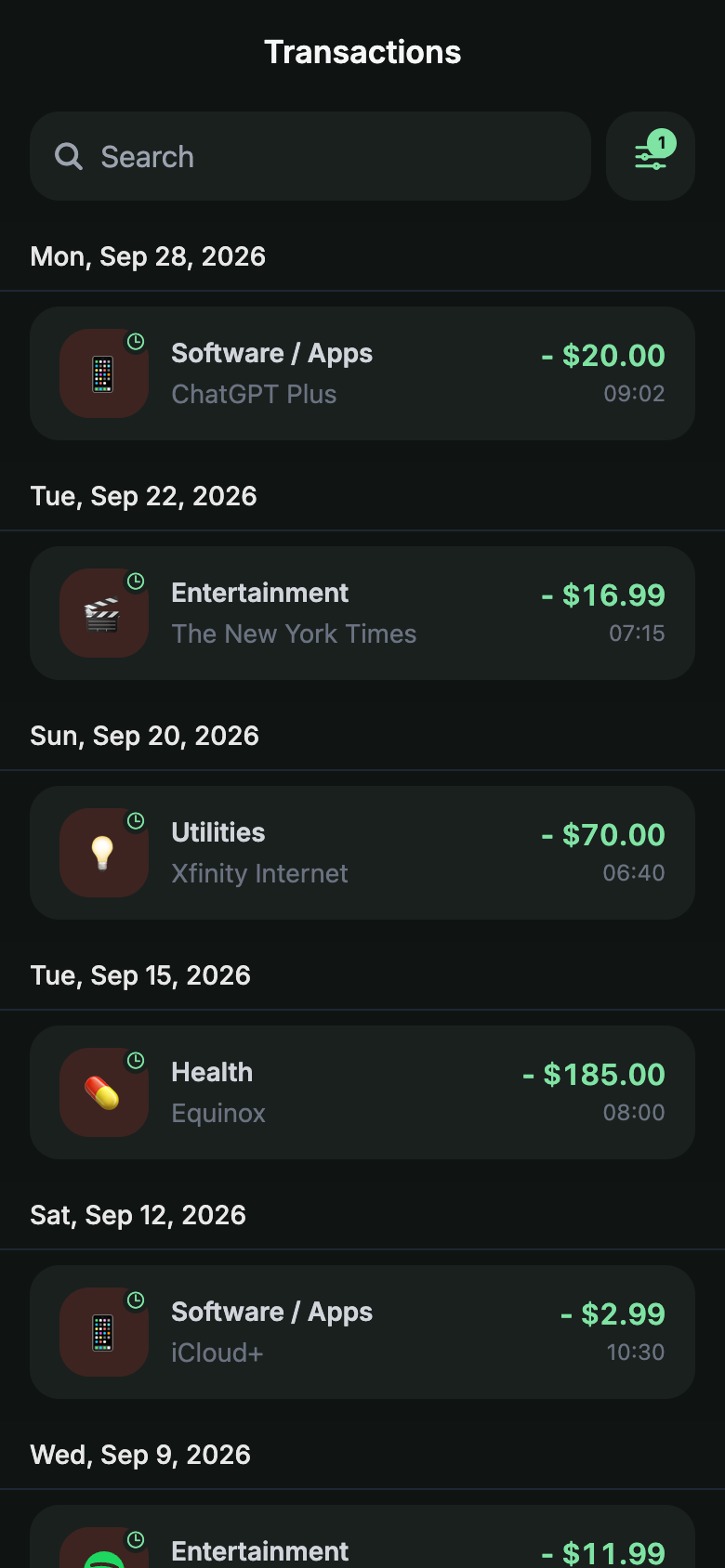
Open Transactions, open the filters and tap the Recurring only chip. The list shows every recurring charge and nothing else.
See what is due next
Upcoming payments lists the next charge of each subscription and what this month's recurring payments add up to.
Honest limits
- A charge counts as recurring once you have marked it. Charges you never mark stay regular.
- Yavo does not cancel subscriptions for you. It shows you what repeats and when it is due.
Questions
Nothing to type.Nothing to connect.
Apple Pay taps in stores, statements by email, receipt photos and voice, all counting against a budget you can actually keep.
Free to try. Cancel anytime.